Styles
A few of the looks.
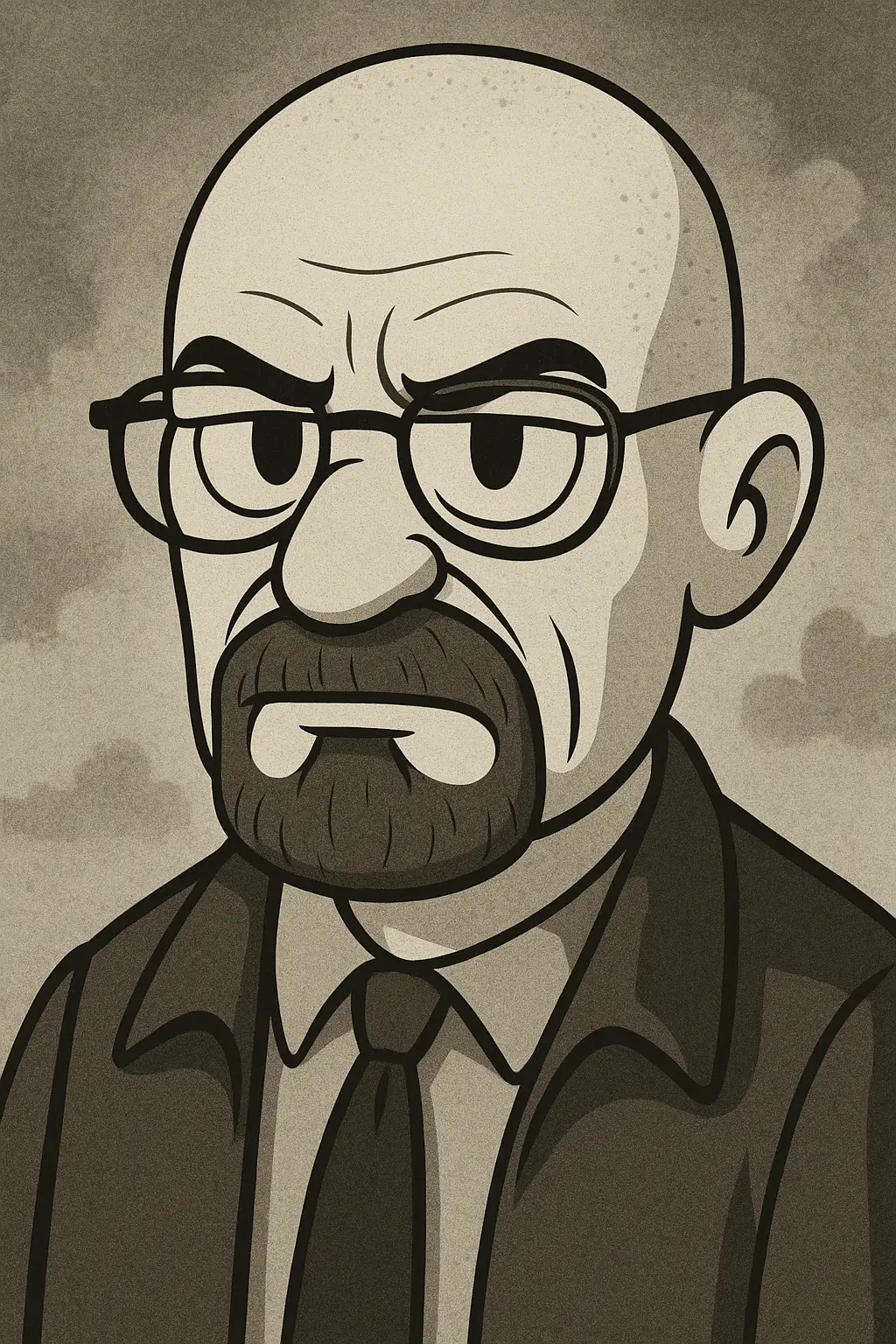
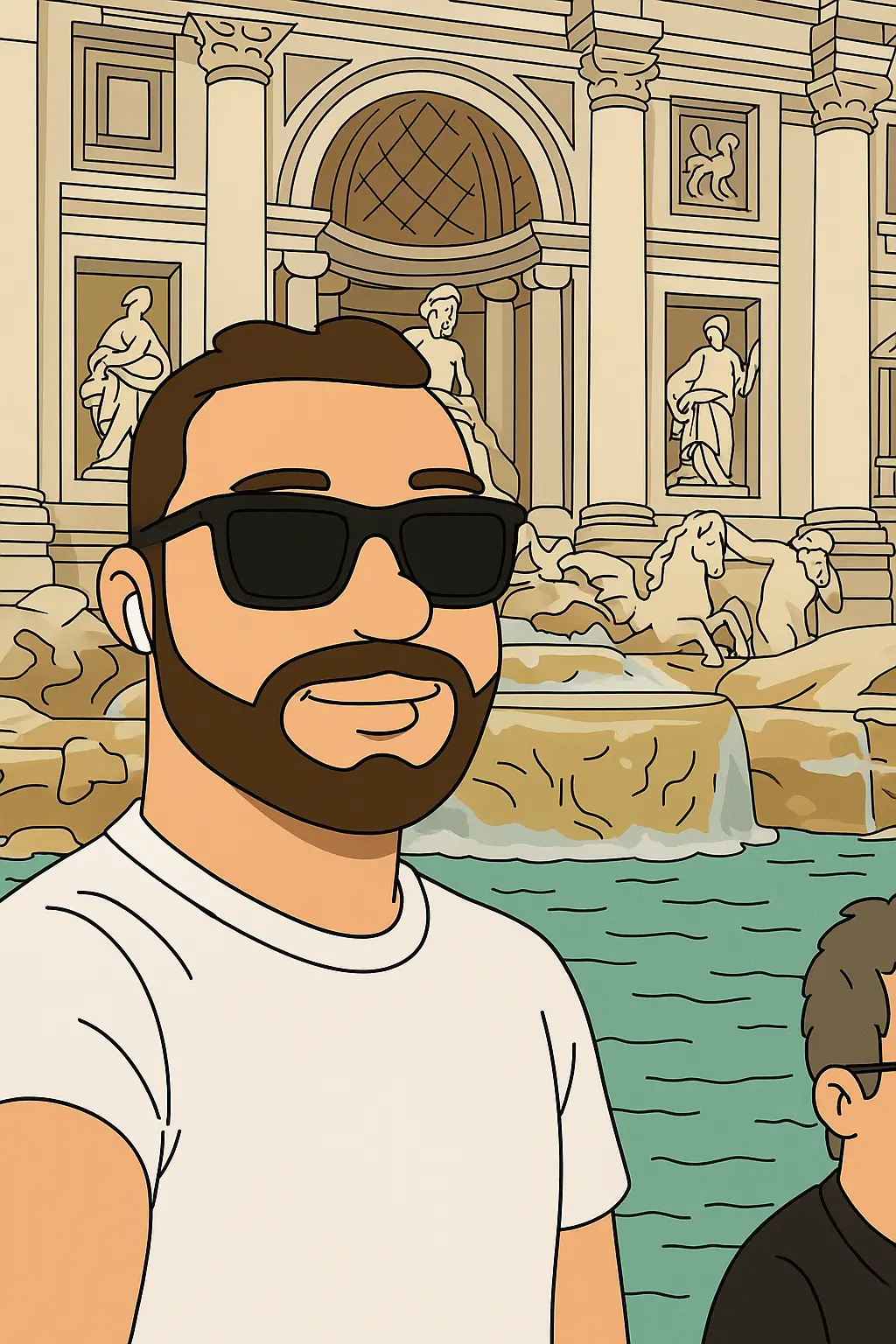
10 of the 28 styles available in the app today. Every render below was made from real footage, not mocked up.








How it works
The heavy lifting happens on our servers. Your phone just picks the file.
Record something new or choose an existing photo or video from your library. Short clips work best.
Anime, 3D animation, clay stop-motion, retro cartoon, comic hero — 28 in total, each with its own look.
Export in full quality to your camera roll, or send it straight to friends and social apps.
What it does
Pixarify doesn't need a script, a timeline or an editing background. Point it at a photo or a short video and it hands back something that looks hand-animated — chosen from 28 styles across four broad looks.
Vintage line art, sitcom-style shading, bold outlines and bright color — good for turning a selfie or a home video into something that feels drawn by hand.
Rounded, dimensional character looks built frame by frame from your original footage, closer to a modern animated feature than a filter.
Japanese animation-style linework, shading and eyes, applied to your own face, pet or footage.
The soft, sculpted texture of stop-motion clay animation — the look of a claymation short, without the studio or the armature.
Styles
10 of the 28 styles available in the app today. Every render below was made from real footage, not mocked up.
In motion
Muted, on loop, unedited output from the app.
Questions
No. There is no sign-up and no login. The app works straight out of the box.
You can try it for free. Generating videos uses credits, which come with a subscription or can be bought as a one-off pack. Prices are shown in the app before you buy anything.
They are uploaded to our servers so the AI can process them, and the result is stored so you can fetch it in the app. We do not sell them or use them to advertise to you. The full detail is in our Privacy Policy.
Usually around a minute, depending on clip length and how busy the queue is. You can leave the app while it works.
Subscriptions are billed by Google Play or the App Store, so you cancel them in your store account settings — not in the app.